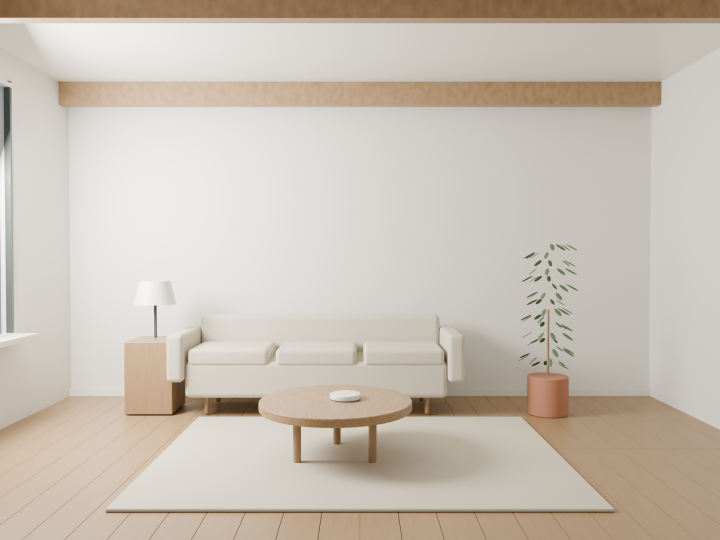
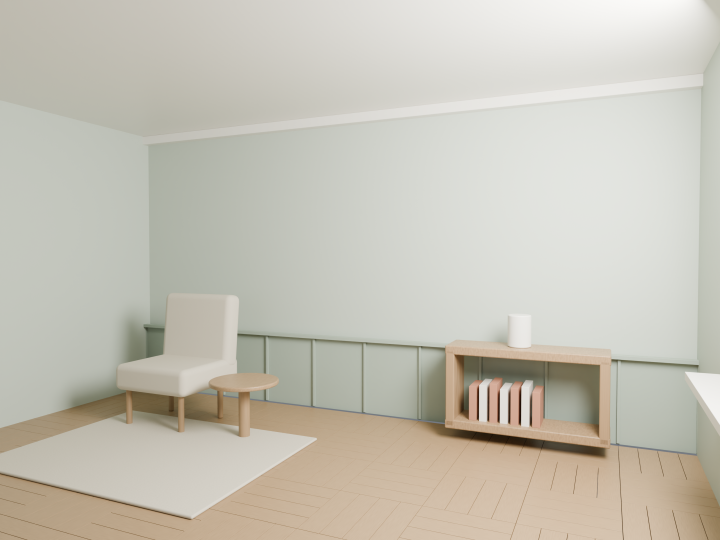
Size, with a reference
Set width and height in cm or inches against the calibrated scene wall. Keep the source ratio or add white margins.
 roommockup.pics
Room mockups for artists & print sellers
Turn a flat artwork file into a set of room mockups. Adjust the size, placement and frame, then export images for your listings.
Two Free rooms. No account or card.
Your artwork stays in this browser.
JPEG, PNG & WebP inUp to 20 MB · 24 megapixels
Two Free rooms · twelve with ProPreview the collection before paying
JPEG, PNG & ZIP outLocal exports · no per-image charge
From file to listing
Choose a still JPEG, PNG or WebP you have the right to use. Or start with our built-in sample.
Set dimensions, choose a frame and adjust the placement on each room’s wall.
Preview the rooms you selected, then download individual images or a ZIP batch.
From the actual rendering pipeline
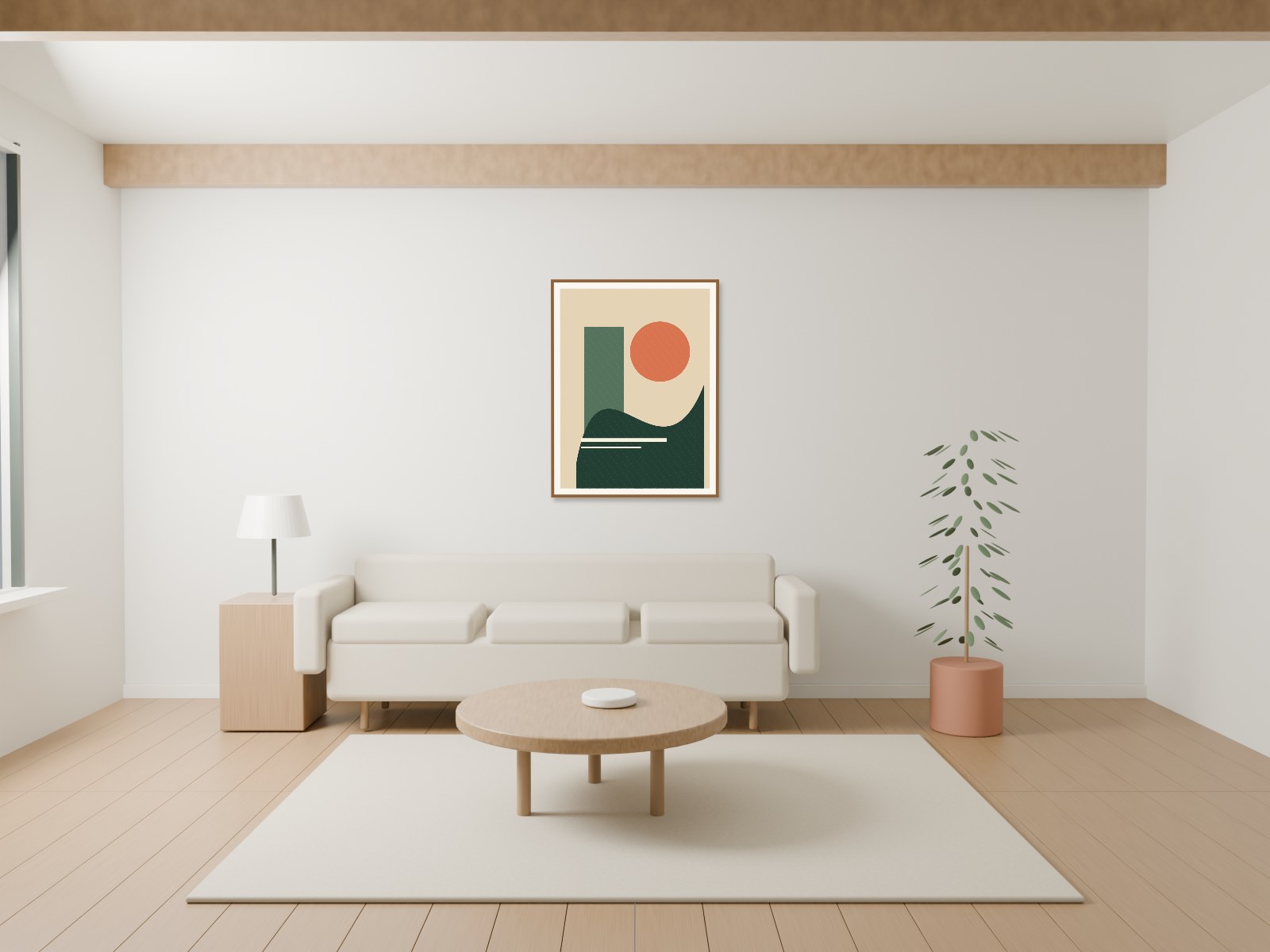
Our original sample, rendered in both Free rooms. Download the source and finished PNGs to inspect them yourself.

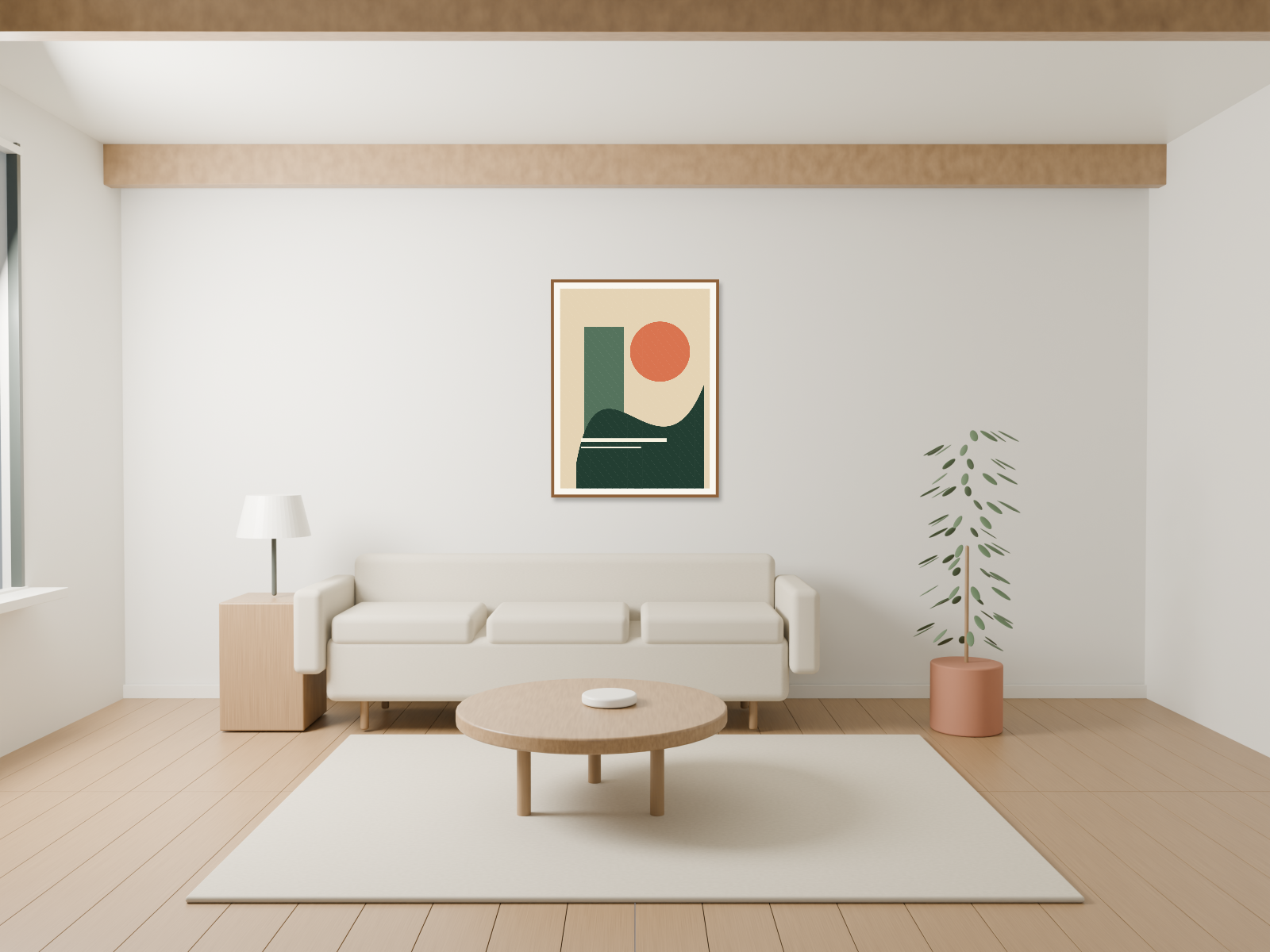
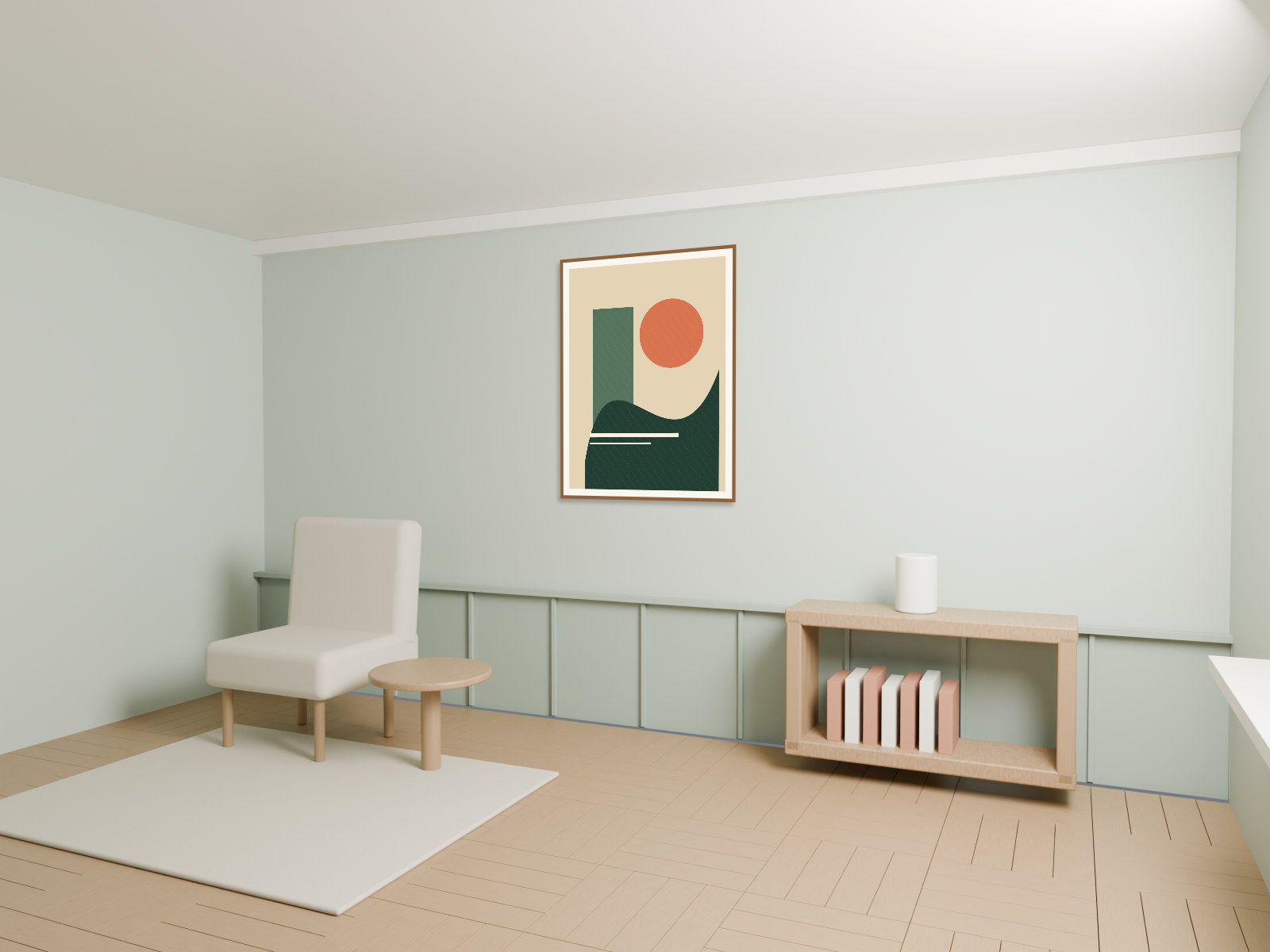
100 × 133.33 cm artwork · 2 cm wood frame · 4 cm mat. Room dimensions are simulated; this is not a measurement of a real home.
Recreate these results →Make the presentation yours
Start with a room. Adjust the artwork without changing the original file.
Try the controls →Set width and height in cm or inches against the calibrated scene wall. Keep the source ratio or add white margins.
Choose wood, white, black or no frame. Set frame and mat widths, then check how they sit around your art.
Adjust position and perspective per room. Check the whole composition before exporting a batch.
Choose the setting
Your files, in this browser
The editor processes your artwork on this device. Projects can be restored in the same browser; they are not synced to an account or backed up in the cloud.
Understand saving and recovery →01Choose your local artwork
02Compose in the browser
03Download and keep your files
Keep the originals. Clearing browser data can remove saved projects.Start with the Free rooms
Choose the collection before the subscription. Both plans include editing and commercial-use composites for artwork you have the right to use.
Compare plans and conditions →Pro
12 rooms · up to 3200 px on desktop
Up to 2048 px on mobile
Two rooms, full editing and commercial-use composites are Free, with exports up to 1600 px. No account or card is required.
The twelve-room launch library, including the Free rooms, and higher-resolution sources. Pro is US$4.49 per month, with desktop exports up to 3200 px and mobile exports up to 2048 px.
Yes, for artwork you have the right to use. Standalone room assets cannot be shared or resold. Check your marketplace’s image requirements before publishing.
Artwork, composition and exports are processed locally in this browser. Account and billing services are separate. Keep your original files: browser storage is not a cloud backup.
No. Projects are saved only in the same browser. Keep your original artwork and download your results. Clearing site data can remove your work.
No. These are original simulated rooms, not photographs or measurements of your customer’s home. Artwork dimensions use the scene’s calibrated wall; custom perspective is illustrative.
Bring your next piece
Start with a Free room and your own artwork. Make one image you can inspect before deciding on more.
Open the free editor ↗